
⚡ Fast • Free • Secure
Free Online Tools for
QR Codes and Image Conversion
Create QR codes for links and other information, or convert HEIC images to JPG format with simple online tools. Explore practical guides to help you get started.
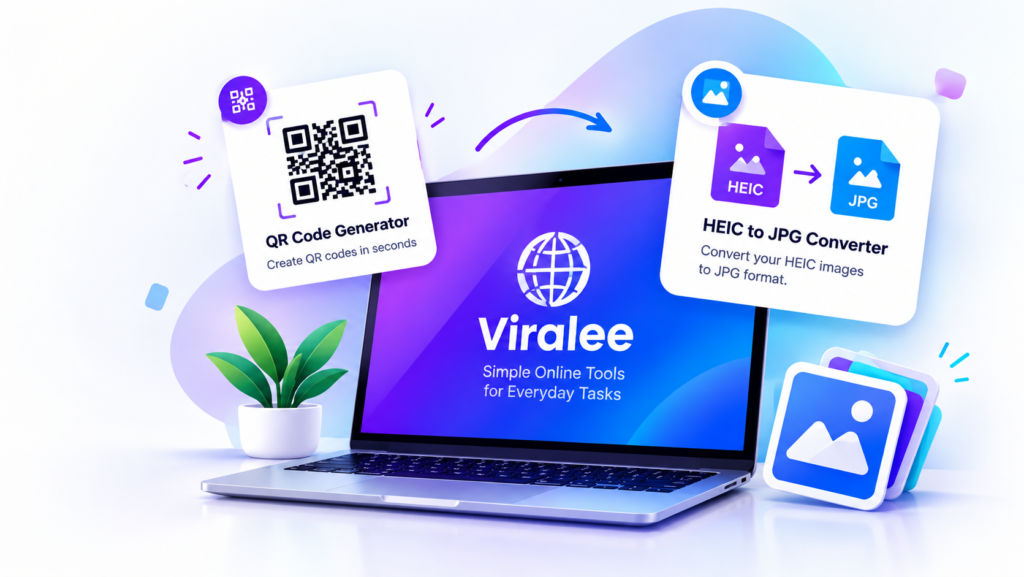
Popular Tools
Choose a tool and get started our tools are designed to be simpleFree fast and easy to use no technical skills needed
QR Code Generator
Create QR codes for URLs and other supported information.
HEIC To JPG
Convert supported HEIC images into JPG files.
WHY CHOOSE VIRALEE
Viralee brings together practical online tools and easy-to-follow guides to help you complete everyday digital tasks. Whether you want to create a QR code or convert a HEIC image to JPG, our tools are designed to make the process straightforward.
Simple interface
Viralee tools feature a clean interface and straightforward steps to help you complete everyday digital tasks with less hassle.
No sign up
Access available tools directly without an account, wherever registration is not required.
Helpful Guides
Find simple instructions and practical tips to help you understand our tools and use their available features.
Build For You
Whether you're creating a QR code or converting an image, Viralee helps you find practical tools and clear instructions in one place.
Frequently Asked Questions
What is Viralee?
Viralee is an online platform that provides practical digital tools and helpful guides. You can explore tools such as our QR Code Generator and HEIC to JPG Converter to complete supported tasks online.
Is Viralee free to use?
Our tools may be available to use without a payment, depending on the features offered. Please check the individual tool page for any applicable limitations or usage requirements.
How can I create a QR code on Viralee?
Open the QR Code Generator, enter the information you want to encode, and generate your QR code. Review the result and use the available download option to save it if supported.
Can I convert HEIC images to JPG on Viralee?
Yes. Open our HEIC to JPG Converter, upload a supported HEIC image, and start the conversion. Once processing is complete, download the resulting JPG file using the available option.
Do I need to install software to use Viralee's tools?
Our online tools are designed to work through a compatible web browser, so a separate software installation may not be necessary. Some features may depend on your browser, device, or file format.
How can I get help with a tool?
Visit the relevant tool page for instructions and troubleshooting information. If you need further assistance, use our Contact Us page to reach out.
Does Viralee store uploaded images or generated QR codes?
File handling depends on how the individual tool processes your information. Please consult our Privacy Policy and the relevant tool page for details about data processing, storage, and deletion.